
Alphabetizer – Fast, Free & Easy Text Sorting Tool
Sort, extract, format, and sanitize your data with surgical precision — all in real-time.
Turn Messy Text Into Clean Alphabetical Order
Paste any unsorted list—keywords, notes, data—and get a clean alphabetized result in under a second. No sign-up, no uploads, just sorted.
From Chaos to Order in One Click
Sorting Made Simple
Three reasons you will keep coming back.
Sort in a Blink
A-Z or Z-A, your list is sorted before you finish blinking. No dragging, no fuss.
Clean the Clutter
Ditch duplicates, fix messy casing, and wipe empty lines before you sort.
Keep It Private
Everything runs in your browser. Your text never leaves your machine.
Who Uses Alphabetizer?
People Love Clean Lists
Cuts my keyword cleanup from half an hour to about ten seconds.

Sorted my study notes alphabetically and everything just clicked.

Headlines, tags, topics—I sort everything before assigning stories.

Latest from the Blog
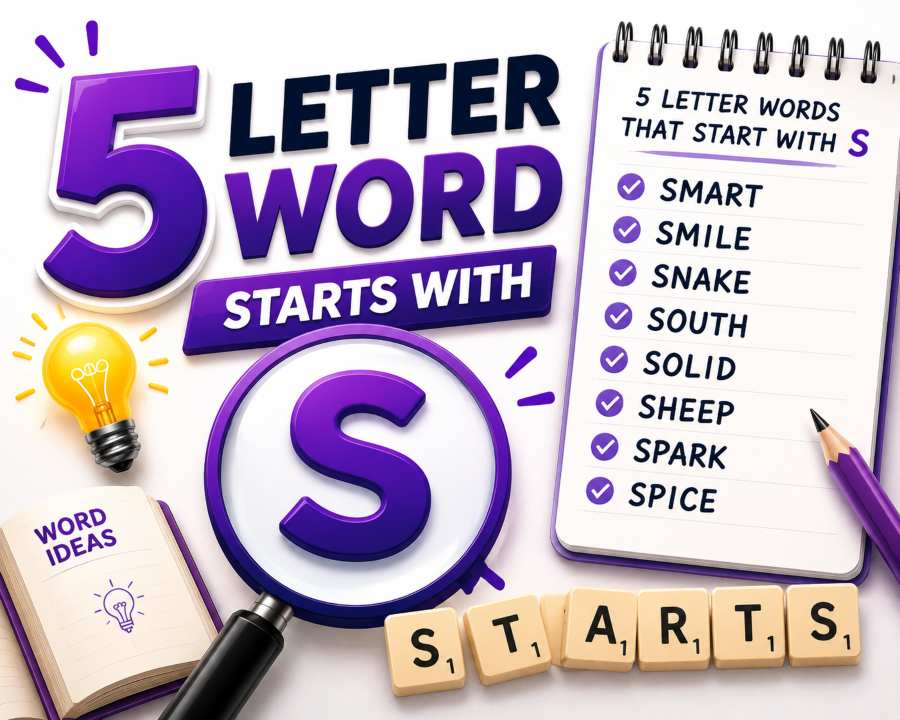 Word Puzzles
5-Letter Words That Start With S
Discover a complete list of 5-letter words starting with S for Wordle, Scrabble, and other word games. Find common and rare words to boost your vocabulary and solve puzzles faster.
Read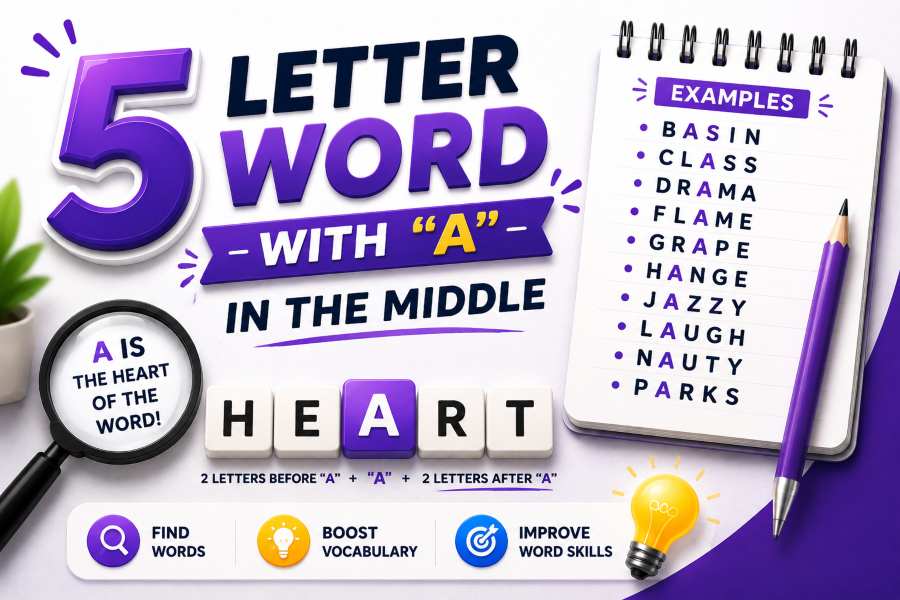 Word Puzzles
5-Letter Words With A in the Middle
Explore 5-letter words with the letter A in the third position. Perfect for Wordle players and word game enthusiasts looking for strategic word choices and pattern-based solutions.
Read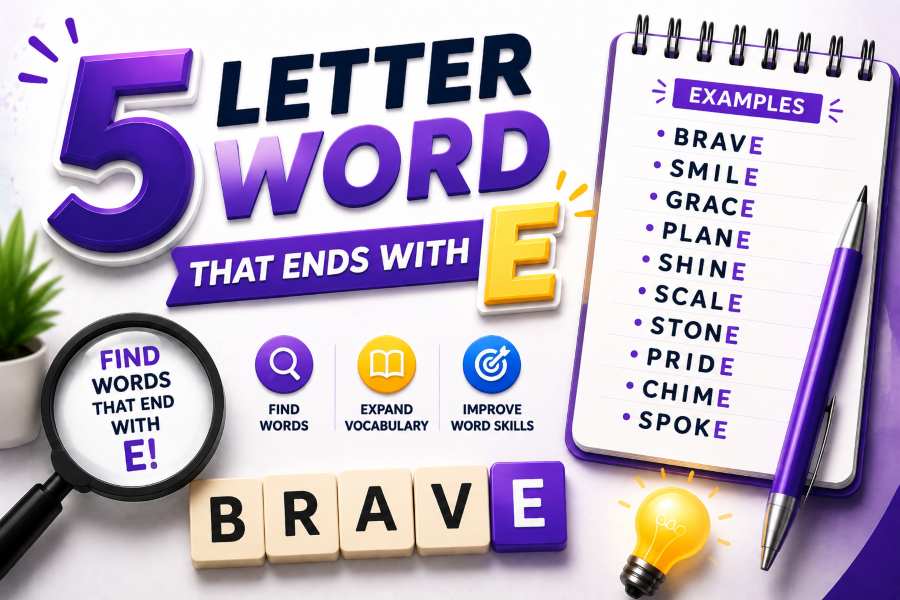 Word Puzzles
5-Letter Words That End With E
Browse an extensive collection of 5-letter words ending with E. Ideal for word puzzles, crosswords, and vocabulary building. Find the perfect word to complete your game or challenge.
ReadPick Your Plan
Frequently Asked Questions
Everything you need to know about sorting your lists.
Absolutely! 100% of the sorting happens locally in your browser. Your text is never uploaded to our servers, meaning your data remains completely private and secure.
Yes! Just click the "Z → A" toggle in the tool settings. It instantly reverses the alphabetical order, which is great for descending lists or priority rankings.
You have full control. You can toggle "Remove Duplicates" to automatically strip repeated lines, and "Clean Empty Lines" to wipe out accidental blank spaces before sorting.
The Free plan handles up to 1,000 lines per sort, which is perfect for most quick tasks. If you need to sort massive datasets, the Pro plan offers unlimited line sorting.
Yes! You can instantly copy the clean text to your clipboard with one click. Pro users can also download the sorted list directly as a .txt or .csv file.
Bring Order to Your Text
Paste, sort, and go. No setup needed.
Try Alphabetizer A → Z · clutter → clarity